


All 22 ElevenLabs voices read Japanese

Japanese text to speech with natural voices

Read kanji, hiragana and katakana aloud, for lessons, videos, games and announcements.

  • 22 ElevenLabs voices
  • Reads 29 languages
  • MP3 download

0 / 4,000 characters

Try
Model
Voice
Speed

Buy credits

At a glance

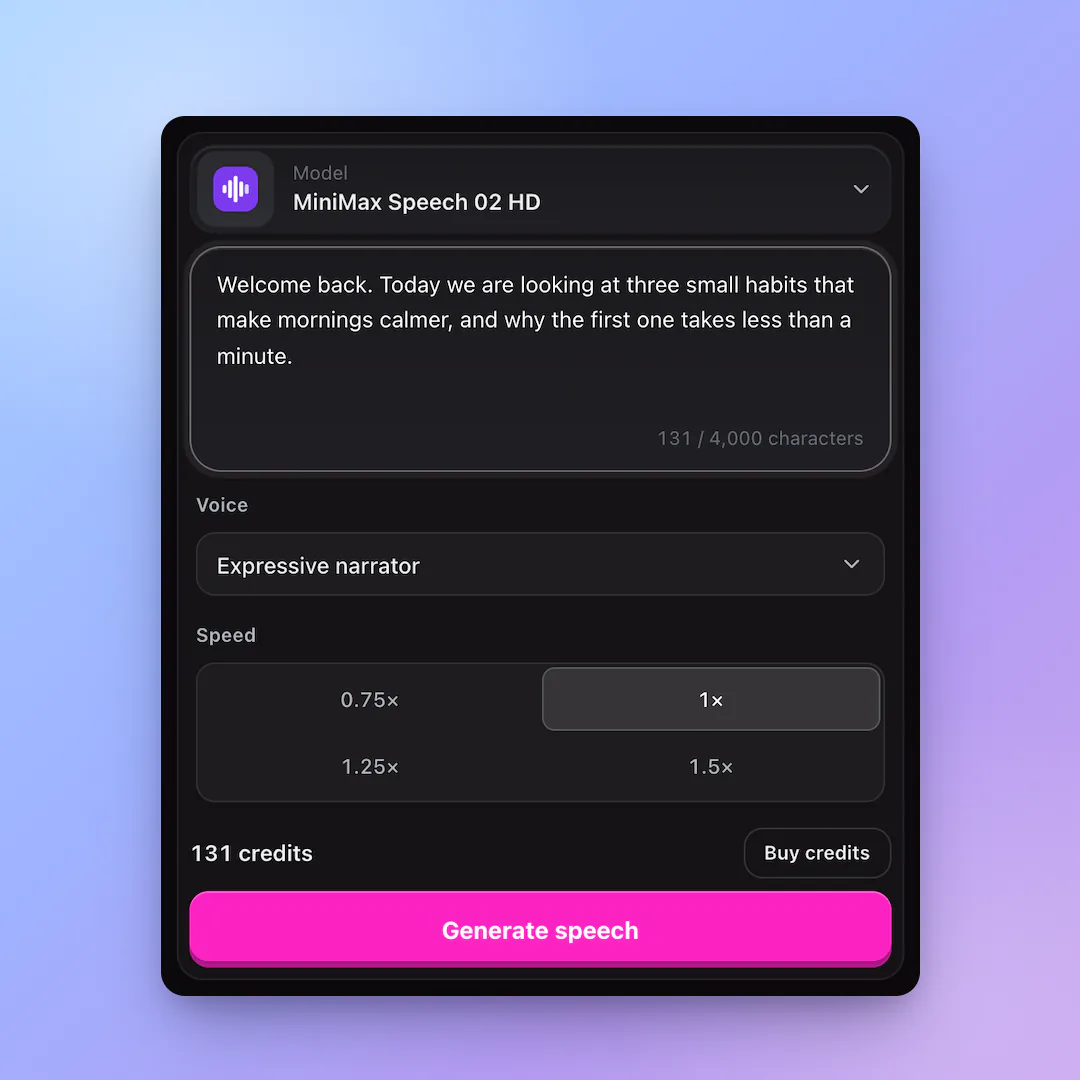
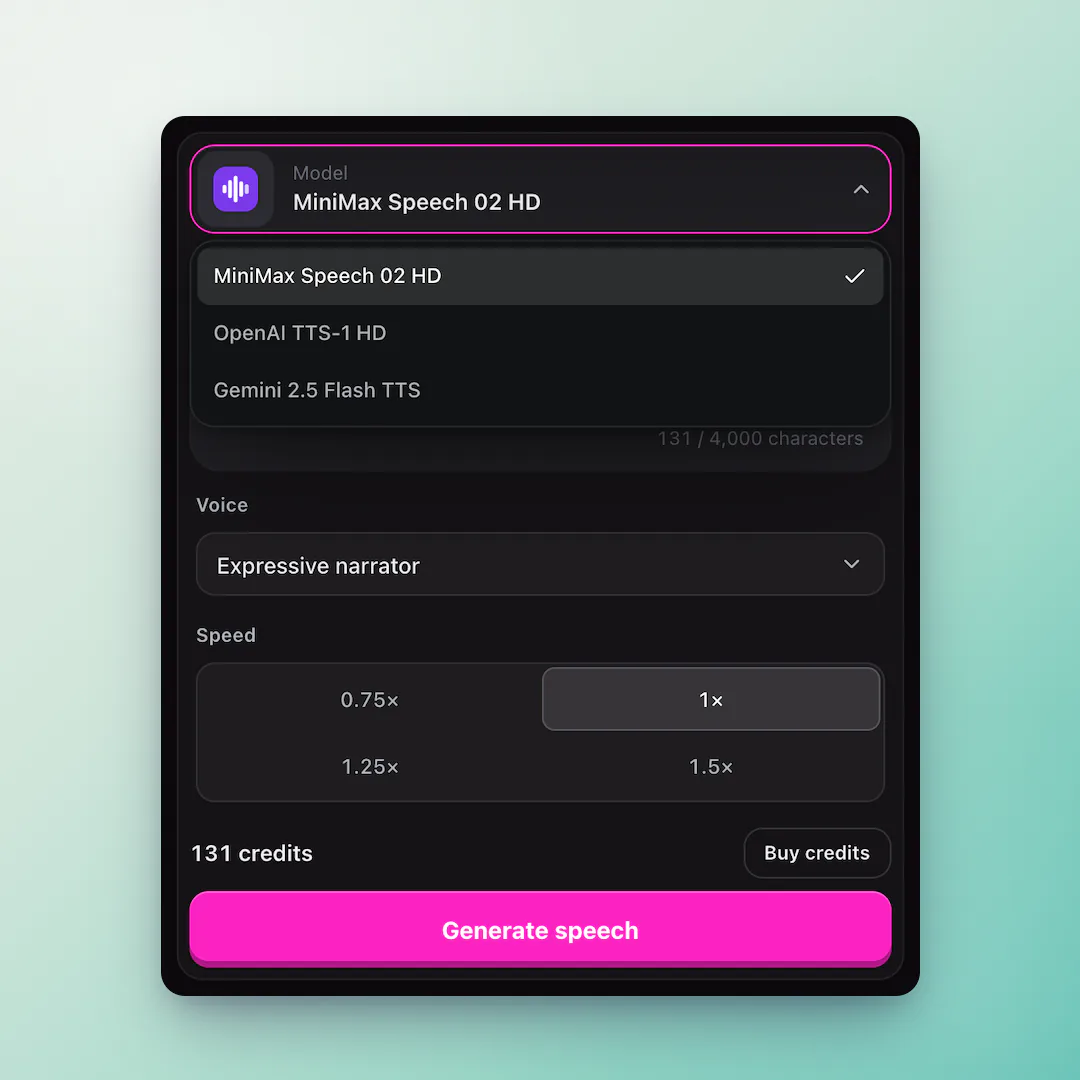
This Japanese text to speech tool reads Japanese text with all 22 ElevenLabs Multilingual v2 voices, which read 29 languages including Japanese, plus OpenAI and Gemini voices. Paste up to 4,000 characters, pick a voice, and download an MP3. It costs 1 credit per character, $0.06 to $0.10 per 1,000 characters.

Japanese voices
All 22 ElevenLabs voices
Price
1 credit per character on ElevenLabs and OpenAI ($0.06 to $0.10 per 1,000 characters); 2 credits on Gemini
Text length
Up to 4,000 characters per clip (1,500 for Gemini), about 4 minutes of English
Account
Free signup; speech uses purchased credits
Download
MP3 from ElevenLabs and OpenAI, WAV from Gemini

Why use ElevenLabs voices for Japanese

  • 01

    Every voice reads it

    All 22 ElevenLabs voices read Japanese, so you can pick by tone rather than by language.

  • 02

    Characters and presenters

    Narrators, hosts, calm and lively voices, for lessons, videos and announcements.

  • 03

    Mixed text

    Brand names and English words inside the text are read naturally in context.

How to make Japanese text to speech

  1. 01

    Paste Japanese text

    Up to 4,000 characters per clip, written the way it should be spoken.

  2. 02

    Pick an ElevenLabs voice

    Open the voice list and choose any voice; every one reads Japanese.

  3. 03

    Generate and download

    Listen, adjust the speed if needed, and download the MP3.

Tips for Japanese text to speech

Kanji can have several readings, and a model sometimes picks the wrong one for names and rare words. If a word comes out wrong, write it in hiragana. Use the Japanese full stop (。) and comma (、) to place pauses.

Japanese speech runs at roughly 300 characters a minute, so one clip of up to 4,000 characters can hold more than ten minutes of narration.
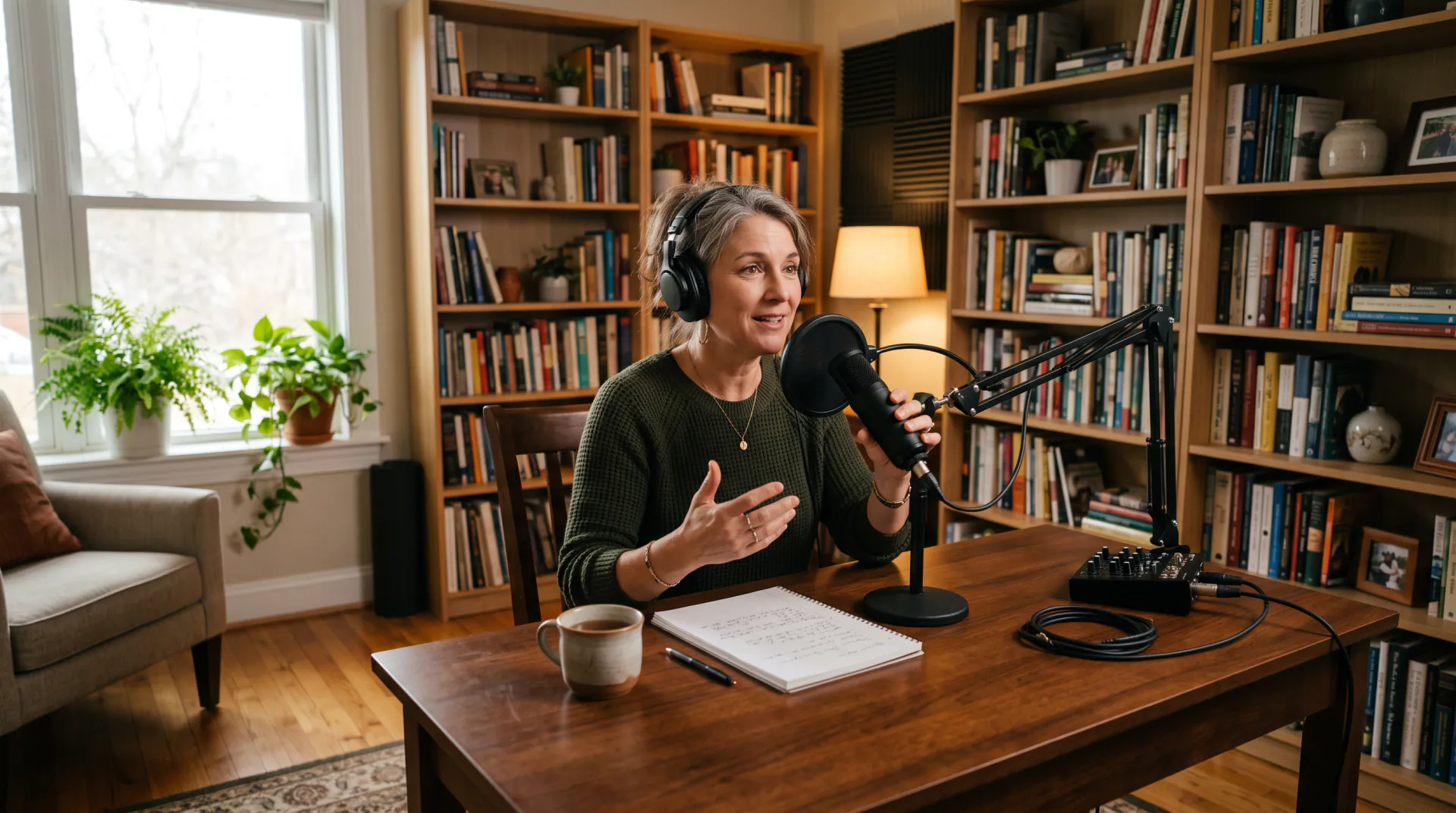

ElevenLabs voices available

Every one of ElevenLabs Multilingual v2's 22 premade voices reads Japanese, in the order they appear in the voice picker:

  • George — warm narrator
  • Rachel — calm narrator
  • Aria — expressive
  • Roger — confident
  • Sarah — soft newsreader
  • Laura — upbeat
  • Charlie — natural, conversational
  • Callum — intense character
  • River — confident, neutral
  • Liam — articulate narrator
  • Charlotte — sultry character
  • Alice — confident presenter
  • Matilda — friendly narrator
  • Will — friendly
  • Jessica — expressive, conversational
  • Eric — friendly, conversational
  • Chris — casual
  • Brian — deep narrator
  • Daniel — authoritative newsreader
  • Lily — warm narrator
  • Bill — trustworthy elder
  • Adam — deep narrator

Other voices that read it

OpenAI's 9 voices and Gemini's 30 voices also read Japanese; OpenAI sounds most natural in English, and Gemini follows style directions written before the text.

Japanese script examples

Copy one, or open it in the generator and change the details.

日本語の原稿

  • 動画のオープニング

    こんにちは。今日は、初心者でも失敗しない、ふわふわのパンケーキの作り方を紹介します。

    Try it
  • 店内アナウンス

    本日もご来店いただき、誠にありがとうございます。ただいま、季節のフルーツフェアを開催しております。

    Try it
  • 語学レッスン

    では、もう一度言ってみましょう。すみません、駅はどこですか。まっすぐ行って、二つ目の角を右です。

    Try it
  • ゲームのセリフ

    ここから先は、誰も戻ってきたことがない。それでも行くと言うなら、私もついていこう。

    Try it

Japanese text to speech FAQ

Can it read kanji correctly?

Common words, yes. Names, place names and rare readings can go wrong; write those in hiragana or katakana and generate again. You pay only for the characters you send.

Are there anime-style Japanese voices?

Not specifically. The voices here are English-speaking narrators and presenters rather than Japanese character archetypes; Aria — expressive and Jessica — expressive, conversational read with the most expression if you want something lively, while George and Daniel suit calmer narration. Test a line before committing.

How much does Japanese text to speech cost?

1 credit per character, $0.06 to $0.10 per 1,000 characters. Because Japanese packs more meaning into each character, a minute of Japanese speech costs less than a minute of English. Free signup; speech uses purchased credits.

Hear your Japanese script

Free signup; speech uses purchased credits; every ElevenLabs voice is available for Japanese.

Last updated October 18, 2026

Create your account